The Best AI Chatbots for Students in 2026: A Complete Guide to Smarter Studying
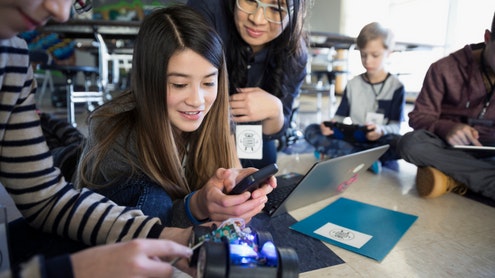
Being a student today is both exciting and overwhelming. You have access to more information than ever before, but managing assignments, research, and deadlines can feel like a full-time job. This is where AI chatbots come in. These smart digital assistants can help you write essays, solve math problems, learn new languages, and even manage your study schedule. In this guide, we will explore the best AI chatbots available in 2026, showing you exactly how to use them to become a more efficient and successful student, whether you are studying in New York, London, Mumbai, or anywhere else in the world.
What Are AI Chatbots and How Do They Work for Students?
An AI chatbot is a computer program that uses artificial intelligence to understand your questions and provide helpful answers. Think of it like having a very smart tutor available 24 hours a day. You type a question or problem, and the chatbot analyzes what you wrote using complex algorithms. Then it gives you a response that makes sense.
For students, these tools have become incredibly advanced. In 2026, modern chatbots can do much more than just answer simple questions. They can help you brainstorm essay topics, explain difficult science concepts in simple words, check your grammar, translate languages, and even create study plans based on your upcoming exams. The technology keeps learning from millions of conversations, which means it gets better at helping you every day.
The best part is that most of these tools work on both your phone and laptop. You can ask a question on your mobile while riding the bus to campus, then continue the same conversation later on your computer in the library. This flexibility makes them perfect for busy student life.
Why Every Student Needs an AI Chatbot in 2026
The pressure on students has never been higher. Tuition costs continue to rise, competition for good grades is intense, and the job market demands more skills than ever. AI chatbots offer practical solutions to these real problems.
First, they save you time. Instead of spending three hours stuck on a calculus problem, you can get step-by-step guidance in minutes. Second, they reduce stress. When you have a reliable helper available anytime, those late-night panic moments before deadlines become less frightening. Third, they personalize your learning. Unlike textbooks that give everyone the same information, chatbots adjust their explanations based on your specific questions and confusion.
Consider Maria, a biology major at a university in California. She struggled with organic chemistry until she started using an AI chatbot to explain reaction mechanisms. The bot broke down complex processes into simple steps, and she improved her grade from a C to an A minus. Or take James, an international student from Nigeria studying in Canada. He uses chatbots daily to check his English grammar and understand academic vocabulary that textbooks assume he already knows.

The Best AI Chatbots for Students: Free and Paid Options
Not all chatbots are created equal. Some excel at writing, others at coding or math. Here are the top tools you should know about in 2026.
ChatGPT Plus (Paid, $20/month)
OpenAI's ChatGPT remains the most popular choice for students. The paid version gives you faster responses, better accuracy, and access during busy times. It excels at essay writing, explaining concepts, and helping with research. You can upload documents and ask it to summarize them, which saves hours of reading time. The free version works well too, but you might face waiting times during exam season when everyone is using it.
Claude by Anthropic (Free and Paid)
Claude has become a favorite among students who need help with long documents. It can read entire research papers and answer specific questions about them. The free version is generous, allowing many conversations per day. Students love it for literature reviews because it maintains context across very long chats. If you are working on a thesis or major research project, Claude is worth trying.
Microsoft Copilot (Free with limitations)
If you already use Microsoft Word, Excel, or PowerPoint for schoolwork, Copilot integrates seamlessly. It can help you draft emails to professors, create presentation outlines, and analyze data in spreadsheets. The free version works through Bing, while the paid Microsoft 365 integration costs extra but offers deeper functionality. This is ideal for business students and anyone who lives in the Microsoft ecosystem.
Google Gemini (Free)
Google's chatbot connects directly to Google Search, which means it can pull current information. This is helpful when you need recent statistics or news for your assignments. It also works well with Google Docs and Gmail. Many students appreciate that it cites sources, making it easier to verify facts for academic papers. The free version is quite capable for most student needs.
Perplexity AI (Free and Paid)
This tool is specifically designed for research. Unlike other chatbots that might make up sources, Perplexity shows you exactly where it found every piece of information. It provides clickable links to original articles, which is essential for academic integrity. The free version allows a limited number of searches per day, while the paid Pro version removes these limits. If you write many research papers, this tool is invaluable.
Specialized Tools for Specific Subjects
For math and science, Wolfram Alpha remains essential. It does not just give answers; it shows the work. For language learning, tools like Duolingo Max use AI to have real conversations with you. For coding students, GitHub Copilot helps write and debug code faster than ever.
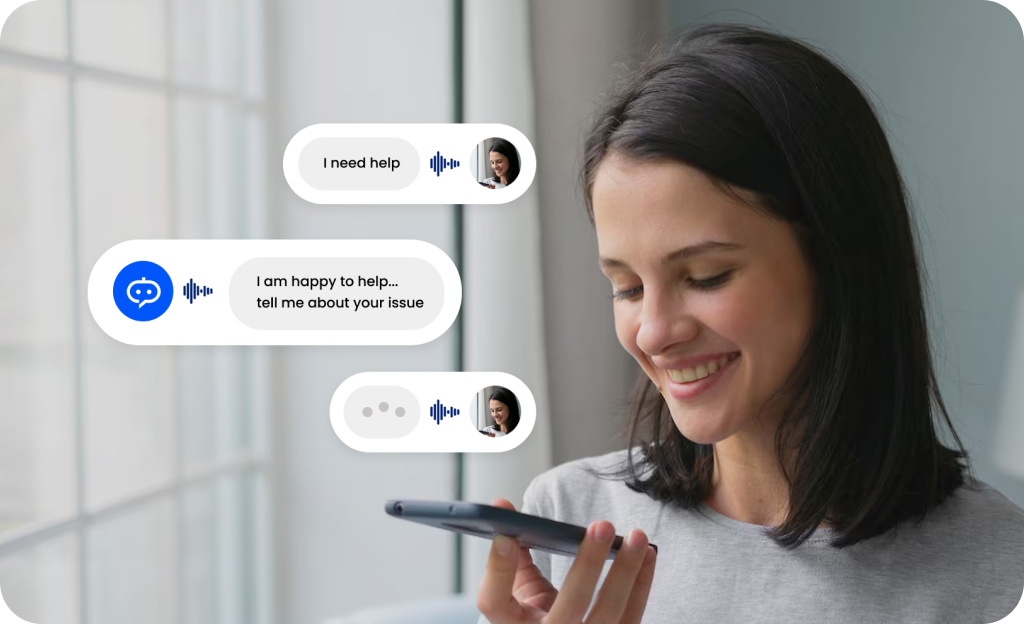
Step-by-Step Guide: How to Use AI Chatbots Effectively
Simply opening a chatbot and asking random questions will not help you much. Here is how to use these tools strategically.
Before you start, think about what you need. For writing help, use ChatGPT or Claude. For research with citations, use Perplexity. For math problems, use Wolfram Alpha. Picking the right tool saves time and gives better results.
The quality of your answer depends on the quality of your question. Instead of asking "Help me with my essay," try "I am writing a 2000-word argumentative essay about climate change policies. Can you help me create an outline with three main arguments and counterarguments for each?" The more details you provide, the better the response.
Do not ask a chatbot to write your entire dissertation. Instead, ask it to help with one section at a time. First, brainstorm topics. Then, create an outline. Next, draft the introduction. Finally, review and edit. This step-by-step approach produces better work and helps you learn.
Chatbots sometimes make mistakes or provide outdated information. Always double-check facts, statistics, and citations. Use the chatbot as a starting point, not a final authority. This habit will protect your grades and your academic reputation.
Download the mobile apps for your chosen chatbots. When you think of a question while walking between classes, you can ask immediately. Most apps sync with the web version, so you can continue conversations on your laptop later.
When a chatbot solves a problem for you, do not just copy the answer. Read the explanation carefully. Ask follow-up questions if something is unclear. The goal is to understand the material, not just finish the assignment.
Pros and Cons of Using AI Chatbots for Studying
Advantages
- Available 24/7, even during holidays and weekends
- Explains concepts in multiple ways until you understand
- Saves hours on research and writing tasks
- Helps non-native English speakers improve their writing
- Free versions are often sufficient for basic needs
- Works on both phones and computers seamlessly
Disadvantages
- Can provide incorrect or outdated information
- May encourage dependency if overused
- Academic honesty policies vary by institution
- Paid versions can strain tight student budgets
- Sometimes generates text that detection tools flag
- Requires internet connection to function
Frequently Asked Questions by Students
This depends on how you use them and your specific school's policy. Most universities allow using AI for brainstorming, grammar checking, and understanding concepts. However, submitting AI-written work as your own without disclosure is usually considered academic dishonesty. Always check your syllabus or ask your professor directly. Some professors encourage AI use for certain assignments while banning it for others. When in doubt, cite that you used AI assistance.
Yes, detection tools exist and are improving. However, the best approach is not to hide AI use but to use it properly. If you use AI to generate ideas and then write the essay yourself in your own voice, detection becomes irrelevant. Think of AI like a tutor or a grammar checker rather than a ghostwriter. Your unique perspective and understanding should always show through in your work.
Google Gemini and the free version of Claude offer excellent functionality without cost. Perplexity's free tier works well for research up to a certain number of queries per day. ChatGPT's free version is also capable, though you may experience slower response times during peak hours. Start with these free options before paying for premium features.
All major chatbots have mobile apps available on the Apple App Store and Google Play Store. Search for "ChatGPT," "Claude," "Google Gemini," or "Perplexity" and download the official app. You can also access them through your phone's web browser. The apps usually offer the same features as the desktop versions, making it easy to study anywhere.
Absolutely, but choose the right tool. For step-by-step math solutions, Wolfram Alpha is superior to general chatbots. For conceptual physics questions, ChatGPT and Claude excel at explaining theories. For coding, GitHub Copilot is specifically designed to help programmers. General chatbots can handle basic STEM questions but may struggle with advanced university-level problems.
Not if you use them correctly. The danger lies in using AI to replace thinking rather than enhance it. If you ask a chatbot to solve every homework problem without trying yourself, you will not learn. However, if you use it to check your work, understand mistakes, or get unstuck when confused, it becomes a powerful learning tool. Like any technology, the outcome depends on your approach.
Conclusion: Your Academic Success in 2026
AI chatbots have transformed from novelties into essential study tools. They offer unprecedented access to personalized help, making education more accessible for students worldwide. Whether you are struggling with English composition, advanced mathematics, or research methods, there is a chatbot ready to assist you.
Remember that these tools are supplements to your education, not replacements for it. The best students use AI to enhance their natural abilities, not to avoid developing those abilities. Start with the free versions of ChatGPT, Claude, or Gemini to see which interface you prefer. Use them to brainstorm, outline, and edit, but always add your own voice and verify important facts.
As you navigate your academic journey in 2026, embrace these technologies wisely. They can reduce your stress, save you time, and help you understand difficult concepts. But your success ultimately depends on your curiosity, effort, and integrity. Use AI chatbots as the powerful assistants they are, and you will find yourself achieving more than you thought possible.
The future of education is here. It is not about replacing human learning with machines. It is about using machines to help humans learn better. Start exploring these tools today, and take control of your academic success.